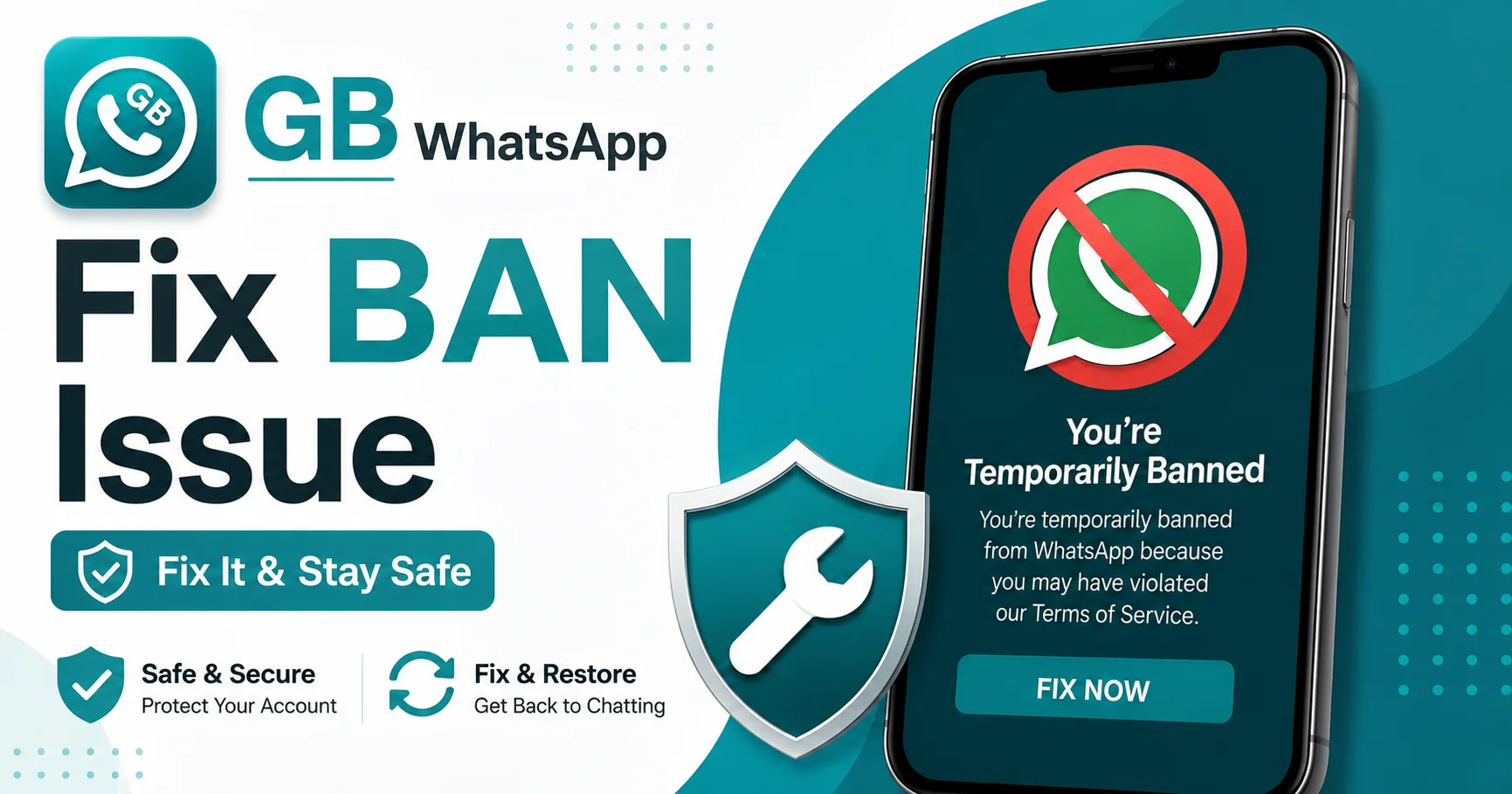
GB WhatsApp Ban Issue How To Fix It and Keep Your Account Safe
There is nothing worse than opening your chat app and seeing a message that says your account is temporarily banned. If you are a GB WhatsApp user, this is a real concern, because Meta does detect modified apps from time to time. The good news is that the GB WhatsApp ban issue is usually fixable, and you can take simple steps to prevent it from happening again.
In this guide, I will explain why bans happen, what to do if you get one, and how to stay safe in the future.
Why GB WhatsApp Gets Detected
Let me clear up one thing first. GB WhatsApp itself is not a virus. It is a modified version of the official WhatsApp that adds extra features like custom themes, privacy controls, and larger file sharing. The base code is the same, so it usually works just fine.
The problem is that WhatsApp runs on Meta servers, and Meta does not officially support third party apps. They actively scan for unofficial clients and may temporarily suspend accounts that use them. When the system notices something off about your connection, it flags the account.
Bans usually come in two flavors. A short temporary ban that lasts a few hours, and a longer ban that can stretch to 24 or 48 hours for repeat offenders. In rare cases, accounts can be permanently banned, but that is unusual for regular users.
Common Reasons People Get Banned
There is rarely just one reason. Usually it is a combination of factors that trigger the system.
Using an outdated version of GB WhatsApp is the most common cause. Older versions have outdated signatures that WhatsApp recognizes easily. Developers release new versions with changed signatures to avoid detection, and if you are not updating, you become a target.
Sending too many messages in a short time is another trigger. GB WhatsApp has features that let you forward messages in bulk, but if you spam, the system may think you are a bot.
Using both official WhatsApp and GB WhatsApp with the same number can also cause issues. The two apps send different connection requests, and switching between them confuses the system.
Joining too many unknown groups quickly is another red flag. If you are joining twenty groups a day through invite links, the anti abuse system will notice.
Receiving lots of reports from other users is the most serious trigger. If multiple people report your number for spam or abuse, Meta can ban you even if you have done nothing wrong.
How To Fix A GB WhatsApp Ban
If you have already been banned, do not panic. Here is the standard recovery process.
Step one is to back up your chats if you can still open the app. Use the in app backup feature to save your messages to local storage or Google Drive. This way you do not lose anything important.
Step two is to wait. If it is a temporary ban, the timer is shown right on the screen. Just wait it out. Most temporary bans lift on their own after a few hours.
Step three is to switch to the official WhatsApp temporarily if needed. Open the official app, verify your number, and you can keep chatting while you sort things out. Your chats can be restored from the backup you made.
Step four is to update GB WhatsApp to the latest version once the ban lifts. Newer versions include anti ban patches and updated signatures that reduce the chance of being flagged again.
Step five is to wait at least 24 to 48 hours after a ban before using GB WhatsApp heavily. Ease back into it. Send fewer messages, do not join new groups right away, and avoid bulk actions.
Preventing Future Bans
The best fix is prevention. There are a few habits that keep your account safe long term.
Always update GB WhatsApp from the official source. The developers push updates regularly, often specifically to address new ban waves. If you ignore updates, you are asking for trouble.
Avoid spam behavior. Do not send the same message to hundreds of contacts. Do not forward chain messages. Do not auto add people to groups without permission. All of these are anti spam triggers.
Use one number for one app. Pick either official WhatsApp or GB WhatsApp and stick with it. Switching back and forth raises flags every time.
Keep the app signature clean. Some custom mods are built on top of older versions. They look fine but contain code that WhatsApp has already blacklisted. Only download the real GB WhatsApp from its official site.
Do not use the app on multiple devices at the same time. WhatsApp now supports multi device, but unofficial clients do not. If you are logged in on GB WhatsApp on your phone and then log into the web client with the official app at the same time, the system notices the conflict.
Is GB WhatsApp Safe To Use
This is a fair question. The honest answer is that it is safer than most people think, as long as you are careful about where you download it from. The official GB WhatsApp project has been around for years and is widely used. The danger comes from fake copies that hide malware inside the APK.
Download only from the official GB WhatsApp website. Do not trust random links shared in YouTube descriptions or Telegram groups. Verify the file size and the developer name before installing.
Also, do not give the app unnecessary permissions. It will ask for access to your contacts, storage, camera, and microphone. Most of these are needed for the app to work, but if anything feels off, deny it.
What To Do If You Get Banned Repeatedly
If you keep getting temporary bans every few weeks, something deeper is going on. It usually means your version is outdated or your behavior is triggering the system.
Try a fresh install. Uninstall GB WhatsApp completely. Download the latest version. Verify your number. Restore your backup. And this time, avoid all the risky behaviors mentioned above for at least a month.
If the problem continues, it may be worth switching to the official app for a while to reset your account reputation. After a few weeks, you can try GB WhatsApp again with the latest version.
FAQs
How long does a GB WhatsApp ban usually last?
Most temporary bans last between 24 and 72 hours. Repeat offenders may get longer bans, and in extreme cases permanent suspension.
Will I lose my chats if I get banned?
No, your chats are stored on your device and in the cloud. Once the ban lifts, you can restore everything from your backup.
Can I use official WhatsApp while my GB WhatsApp is banned?
Yes, you can install the official app and verify your number to keep chatting during the ban period. Just do not use both at the same time.
Is the GB WhatsApp ban issue permanent?
For most regular users, no. It is almost always temporary. Only accounts that are heavily reported or used for spam get permanent bans.
How do I know if my GB WhatsApp version is safe?
Download only from the official GB WhatsApp website, check the version number against the latest release, and read user reviews before installing any update.
Final Thoughts
The GB WhatsApp ban issue is real, but it is also very manageable. With smart usage, regular updates, and a clean copy of the app, most users never see a ban at all. Stay on top of updates, avoid spam behavior, and you can enjoy all the extra features GB WhatsApp offers without any interruptions.