GB WhatsApp Privacy Control Take Full Charge of Your Messaging Life
Privacy is the number one reason people switch to GB WhatsApp. The official app gives you a few basic toggles, but GB WhatsApp privacy control goes far beyond that. It puts you in charge of every piece of information you share, who sees it, and when.
If you are tired of being tracked, watched, and notified the moment you open WhatsApp, this is the guide for you.
Why Privacy Control Matters
Think about how much information the official WhatsApp shares about you. Your profile photo is visible to everyone by default. Your last seen timestamp lets people know when you were last online. The blue ticks tell them when you have read a message. The typing indicator shows them you are in the middle of a reply. And the online status lights up every time you open the app.
All of this might sound harmless, but it adds up. People judge you based on your online patterns. They notice when you come online at midnight. They see when you read a message and do not reply. They track when you are active and when you disappear. It is exhausting.
GB WhatsApp flips the script. Instead of the app controlling your data, you control the app. Every single privacy setting can be turned on, turned off, or customized per contact. That is the real power of GB WhatsApp privacy control.
What You Can Hide
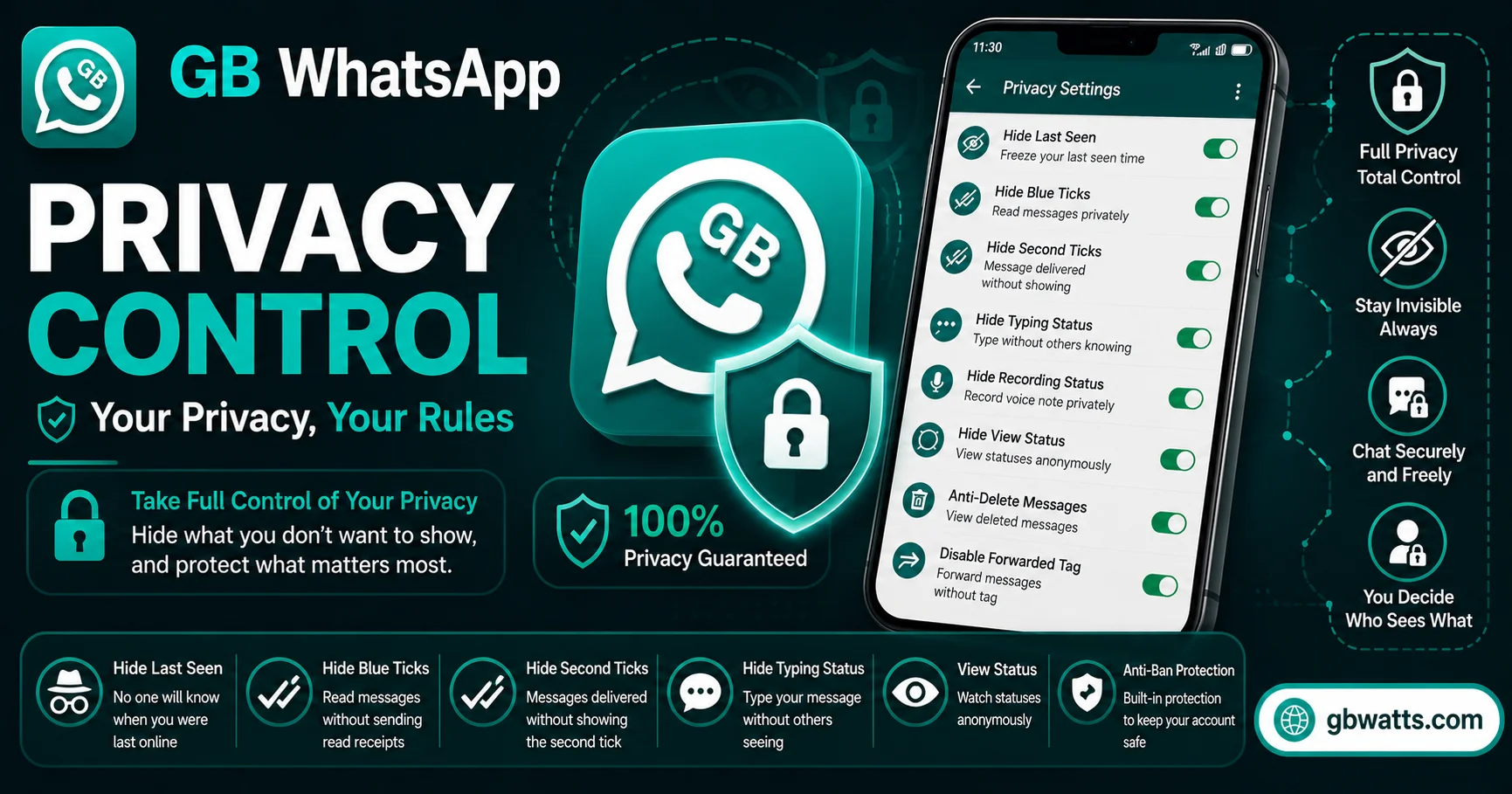
Let me walk through the main privacy options one by one so you understand what is possible.
Last seen can be hidden completely, or frozen at a specific time. Freezing is a clever trick. You set it to a time like 9 AM, and that is what everyone sees no matter when you actually open the app. Useful for people who want to appear active during work hours.
Online status can be hidden too. When you toggle this on, nobody sees the green “online” indicator under your name. You can read, type, and reply without anyone knowing you are using the app at that moment.
Blue ticks can be disabled, which we covered in detail in another guide. The short version is that you can hide your read receipts while still seeing other people’s ticks if you want.
Typing and recording indicators can also be hidden. Normally when you type a reply, the other person sees three little dots. With GB WhatsApp, you can type in silence.
Profile photo visibility can be set to nobody, only contacts, or selected contacts. You can even show different profile photos to different people, which is a fun trick for users who want a bit of separation between their personal and professional lives.
About section can be hidden from everyone, or shown only to specific contacts. The same goes for status updates.
Status viewing is another big one. Normally, the moment you view someone’s status, they see your name in the viewer list. GB WhatsApp lets you view statuses secretly without leaving a trace.
Per Contact Privacy
Here is where GB WhatsApp privacy control really shines. Instead of applying one setting to everyone, you can set different rules for different contacts.
Want to hide your last seen from your boss but show it to your best friend? Done. Want to hide blue ticks from your ex but show them to your mom? Done. Want one profile photo for work contacts and another for personal friends? Done.
This level of control is what makes GB WhatsApp feel like a personal messaging app rather than a public broadcast platform. You decide what each person sees about you, and that changes everything.
To set this up, open the chat with the contact you want to customize. Tap on their name to open the contact info screen. Look for the GB Privacy option and tap it. You will see a list of all the privacy settings, each with three options: apply globally, apply to this contact only, or exclude this contact from a global rule.
Anti Revoke And Anti Delete
One of the most loved privacy features in GB WhatsApp is the ability to see messages that other people have deleted. In the official app, if someone sends you a message and then deletes it for everyone, it just disappears. You see “this message was deleted” but no content.
GB WhatsApp blocks that. When someone deletes a message they sent you, you still see the original text. It works for text messages, images, videos, voice notes, and even deleted status updates.
The feature is called Anti Revoke Messages and you can find it in the GB Settings under Privacy and Security. Just toggle it on and you will never lose a message again.
Status Privacy
Status updates in WhatsApp are visible to your contacts by default. GB WhatsApp gives you several ways to control who sees your status and who does not.
Hide status from specific contacts lets you block certain people from ever seeing your updates. Great for keeping certain stories away from family or coworkers.
View statuses secretly lets you see other people’s statuses without appearing in the viewer list. Useful for people who like to keep up with stories without engaging publicly.
Status download lets you save any status update to your phone. Photos and videos from statuses can be saved with a single tap, which is something the official app still does not allow.
Lock And Password Protection
GB WhatsApp also offers app level privacy that goes beyond what WhatsApp itself offers.
App lock lets you set a PIN, password, or fingerprint lock for the entire GB WhatsApp app. Every time you open it, you need to authenticate. This is great for people who share their phone with others.
Chat lock lets you lock individual conversations. You can hide sensitive chats behind a separate password, so even if someone gets into your app, they cannot see specific conversations.
Hidden chats are an extension of chat lock. Locked chats do not show up in your main chat list. They are stored in a separate hidden folder that only appears when you enter the unlock code.
These features are perfect for people who have private conversations they want to keep separate from the main app.
DND Mode And Airplane Mode Built In
GB WhatsApp has a built in Do Not Disturb mode that lets you disconnect from WhatsApp without turning off your internet. When DND is on, GB WhatsApp does not connect to the internet, so you will not receive messages or calls. But you can still use your browser, other apps, and your phone service normally.
This is also useful for stopping notifications while you work or sleep, without missing important calls on your regular phone.
Why This Matters
Privacy is not about hiding things. Privacy is about choice. GB WhatsApp gives you the choice to share or not share every piece of information about your messaging activity. That is a basic right that official WhatsApp does not fully respect.
For people in sensitive jobs, like journalists, lawyers, doctors, and counselors, this level of control is essential. For everyone else, it is just a more comfortable way to chat without feeling watched.
FAQs
What is the most useful GB WhatsApp privacy control feature?
Most users say hiding blue ticks and freezing last seen are the two they use the most. Anti revoke messages is a close third.
Can I hide my online status from one person only?
Yes, GB WhatsApp lets you customize privacy per contact. You can hide your online status from specific people while showing it to everyone else.
Will the other person know I changed my privacy settings?
No, there is no notification or alert. The changes are silent and only affect what they can see about you.
Does hiding my last seen affect message delivery?
No, messages are delivered normally. Hiding your last seen only changes what other people see about your activity. It does not block messages.
Can I view a status update without the person knowing?
Yes, GB WhatsApp has a hidden status view feature. The person will not see your name in the viewer list.
Final Thoughts
GB WhatsApp privacy control is the heart of what makes this app special. It is not about being secretive or hiding from people. It is about having the freedom to use a messaging app on your own terms. From hiding blue ticks to locking individual chats, every feature is designed to give you more control. If privacy is important to you, GB WhatsApp is hands down the best messaging app available.